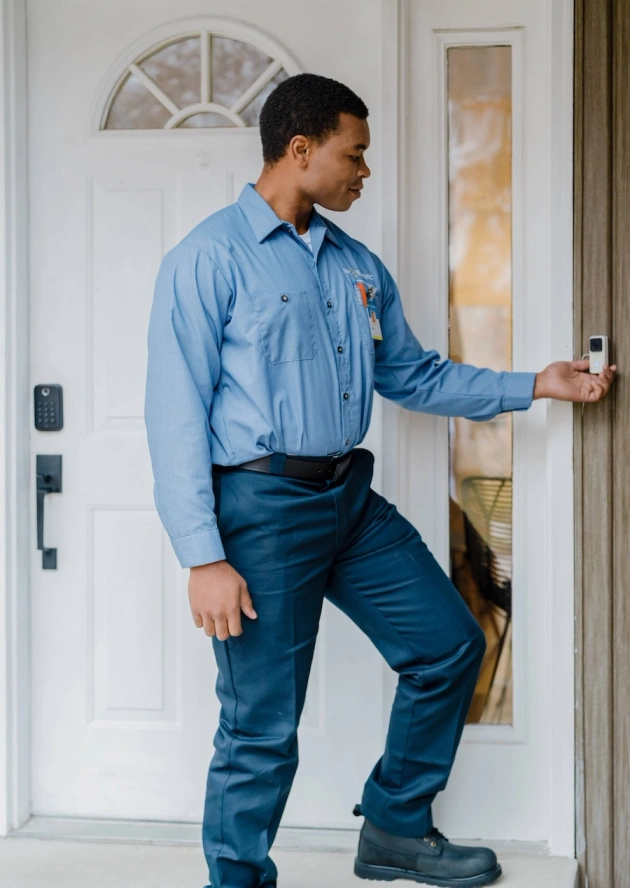
A smart doorbell does more than announce when someone is at your front door. It allows you to see visitors, receive motion alerts, and communicate with delivery drivers or guests through your smartphone. For San Jose homeowners looking to improve home security, installing a smart doorbell is a practical upgrade. However, getting the most out of the device requires more than mounting it beside the entrance. Proper wiring, a dependable Wi-Fi connection, and correct setup all play a role in its performance. This is why the job is best handled by a trusted electrical service in Campbell, CA in San Jose.
Remember, professional smart doorbell installation in San Jose is important for maximum functionality and safety. Hiring the licensed electricians in San Jose, CA at Mr. Electric is the best choice over taking matters into your own hands. Today, we’ll share tips for successful smart doorbell installation, focusing on wiring, Wi-Fi, and setup.
Check Your Existing Doorbell Wiring
Before purchasing a smart doorbell, find out whether your home has existing doorbell wiring. Many wired models connect to the low-voltage wires used by traditional doorbells, but they have specific voltage and transformer requirements. If the existing transformer does not provide enough power, the smart doorbell may fail to operate consistently or may not turn on at all.
Some models also require a compatible chime kit or power adapter. Check the manufacturer's installation instructions to determine what your current setup needs. If your home has an older doorbell system, damaged wiring, or no existing wiring, an electrical repair service in San Jose can assess the installation requirements and determine whether new wiring is necessary.
Make Sure Your Wi-Fi Signal Reaches the Front Door
A smart doorbell relies on a stable internet connection to send motion alerts, stream live video, and support two-way communication. Unfortunately, the front entrance may be far from your router, particularly in larger homes or properties with thick exterior walls.
Before installation, check the Wi-Fi signal strength near the intended mounting location. A weak connection can cause delayed notifications, interrupted video feeds, and difficulty accessing the doorbell remotely.
If the signal is unreliable, consider repositioning your router or adding a compatible Wi-Fi extender or mesh network access point. Some smart doorbells support only specific Wi-Fi bands, so verify compatibility before making changes to your home network.
Choose the Right Installation Location
Placement affects both the doorbell's camera coverage and its ability to detect visitors. Mounting the device too high or too low can create blind spots, while direct sunlight may affect image quality on certain models.